
Talk to an expert










































For more information or to request a Brochure, call us on 02392 590 281
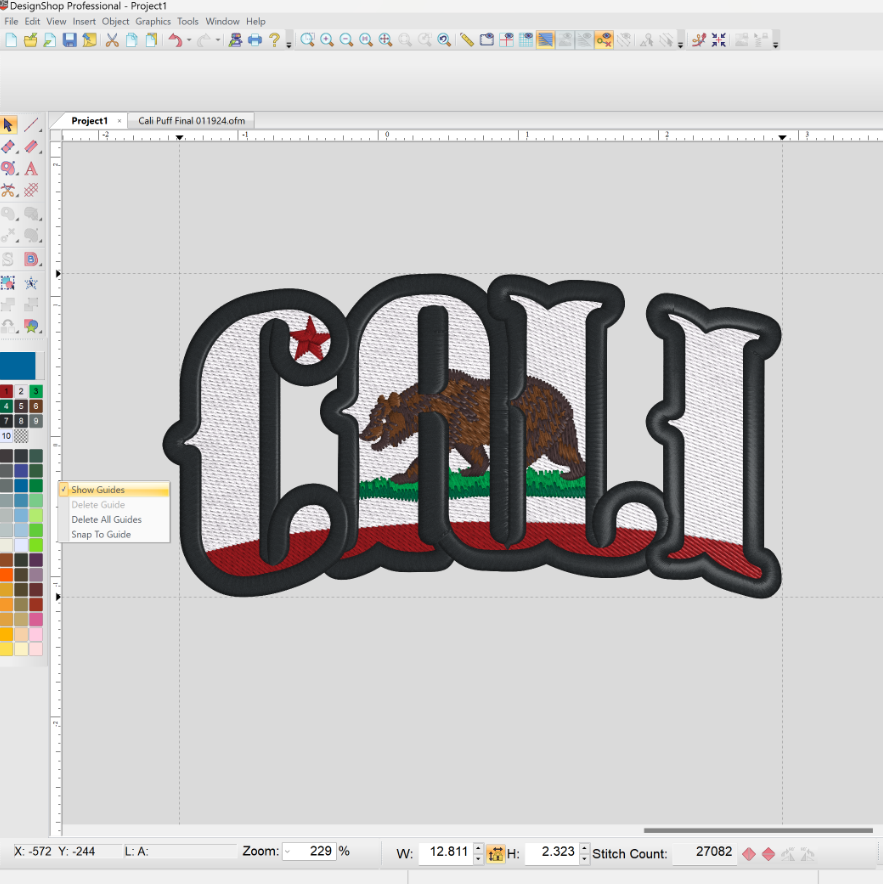
Design Shop V12 Digitizing Software
From: £495.00 +VAT (£594.00 inc VAT)
Get more out of your digitizing software.
DesignShop V12 knocks down the barrier between your creative vision and professional quality sew-outs. We’ve made profound improvements to every aspect of the digitizing experience, enhancing each step of your process, from thought to thread.
From £495+VAT
Machine + Software purchase options:
DesignShop V12 Lettering: £495 or Free when purchased with a machine
DesignShop V12 Editor: £895 or £395 when purchased with a machine
DesignShop V12 Vector: £1,695 or £1,195 when purchased with a machine
DesignShop V12 Professional: £2,250 or £1,750 when purchased with a machine
- Description
- System Requirements
Description
Work more efficiently with Design Shop V12— reduce your production time by up to 30%!
- Maximum user-friendliness
Melco has developed powerful tools to support you throughout the entire punching process. The Punch Wizard guides you step by step and makes the whole process child’s play. The Design Checker is your reliable partner that detects gross errors and shows you where underlay stitches or securing stitches could be missing.
- Work more efficiently
DesignShop is characterized by a variety of efficiency-enhancing functions that make creating embroidery programs an effortless task. With the ability to easily integrate vector data from graphics software, the flexible conversion of objects and time-saving features such as Auto Start and Stop, we enable you to reduce your working time by up to 30%.
- Optimized Production
Optimize your production process with the barcoding of designs. By using a barcode reader to retrieve the design at any time, you can eliminate the need to search for design files on hard disks or other storage media.
- Simplified Embroidery Process
Rather than exporting a separate file before production, with Design Shop V12, you can send the same file directly to your embroidery machine. You can even save the machine settings in DesignShop, automatically transfer colour information from the embroidery machine, and save the embroidery hoop.
- Integrated Thread Colour Charts
Current colour charts for Isacord, Madeira and other important industry brands are stored. This allows you to match the colours of your graphic template with those of your favourite yarn.
Design Shop V12 is available in 4 packages suited to your digitizing needs:
Lettering
- DesignChecker
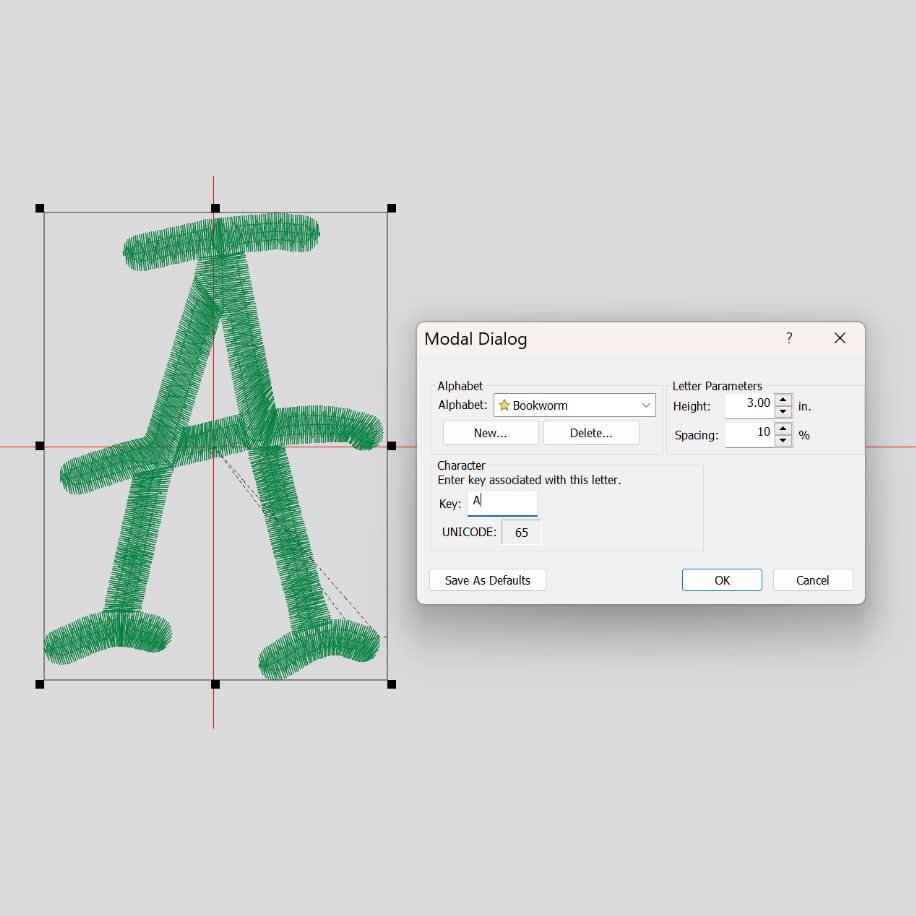
- 150+ punched fonts
- 15 Monogram fonts plus 80+ decorations
- For particularly creative lettering, you can align fonts on paths or in a box.
- Edit vectors
- Alignment tools
- Library for user-defined shapes and designs.
- Compensate lettering
- Fill large lettering
Editor
- All features of Lettering
- Edit stitches
- Group names
- Edit Bezier curves
- Margins and own shapes
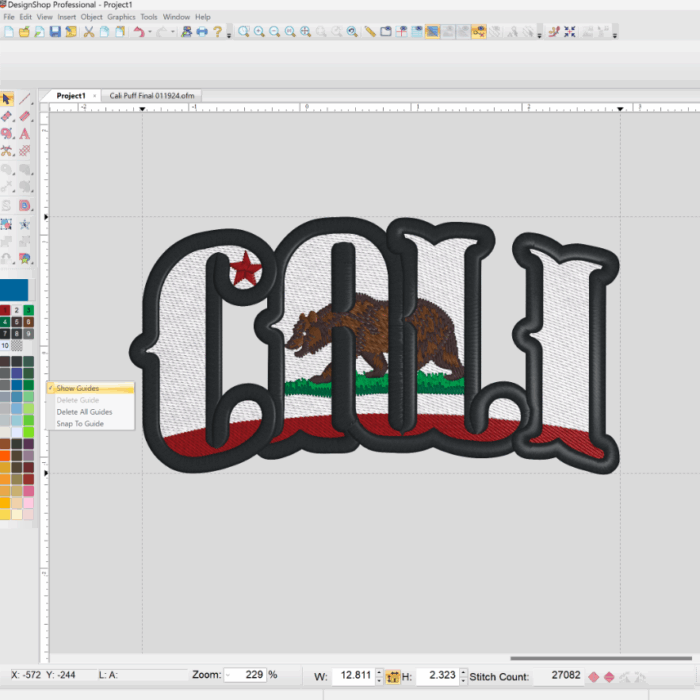
- Stitch effects
- Prefabricated character list
- Align elements
- Design library
- Simple punching
Vector
- All features of Editor
- Vector import of AI and EPS files
- Punch Assistant
- All the important tools for punching
- Edit and add embroidery directions
- Edit and add cutting lines
- Define or remove overlaps of your objects
- Effects such as colour gradients and jagged edges
- Change the punch sequence with just a few clicks for the perfect result.
- Curve smoothing
- Punching with vectors
Professional
- All features of Vector
- Automatically set start and stop
- Automatically connect elements
- Automatic stitch directions and dividing lines
- Distortion effects
- Create fonts yourself
- Each object can be converted into all element types.
- Curved stitch directions
- Share objects
- Simply change element type
- Simple moving of paths
- Convert areas into stitches
| PC System Requirements CPU/RAM | 2.2 GHz + Latest Intel or AMD 32-bit (x86) or 64-bit (x64) multi core processor. |
| Operating System | Microsoft® Windows® 11, Microsoft® Windows® 10, Microsoft® Windows® 8/8.1, or Microsoft® Windows® 7 – all with latest service packs installed (32-bit or 64-bit Editions) |
| Memory | 4GB RAM minimum (8GB or higher is recommended) |
| Hard Drive | 80 GB hard disk space or more (at least 40 GB free disk space after installation) |
| Graphics Card | compatible with Intel HD 4000 Graphics or higher, 512MB or higher of graphics memory (non-integrated) |
| Monitors | Dual Monitors (recommended for DesignShop) |
| Input Devices | Mouse or Tablet |
| Internet Browser | Current Internet browser to access online content |
| Network Card | Internet connection enabled network card |
| User Permissions | Local administrator rights are required to install software |
| Other | DesignShop v11 supports UHD 4K screens (selecting Medium or Large Icons is preferable) |
| OS Software ONLY |
|
| Firewall Options | Windows firewall, but no other firewall |
Recently Viewed
For more information or to request a Brochure, call us on 02392 590 281