











































Steve’s Seven Suggestions for Successful Printing This Winter
As temperatures start to fall, it’s a good time to check that your print room is ready for the colder months. Whether you use DTG, DTF, UV or eco-solvent equipment, maintaining the right environment is an important part of looking after your printer and achieving consistent results.
And that care needs to continue after the working day ends.
1. Know your printer’s environmental requirements
As a general guide for optimum print performance, aim for a stable room temperature of around 18–24°C, provided this falls within the recommended range for your printer and ink type. Always check your manufacturer’s specifications, as requirements vary.
Check the relative humidity requirements too. Where recommended temperature and humidity ranges are provided, aim to work within them for consistent performance.
Check the requirements for periods when the printer is idle, as operating, non-operating and storage specifications can differ. You’ll usually find these details in the specifications table in your printer’s user manual.
2. Don’t let the temperature drop too low overnight
A room that feels comfortable at closing time can become much colder by morning, particularly in workshops, garages and industrial units.
Use thermostatically controlled heating to prevent the room from falling below the conditions required for your equipment and inks. Check heating schedules for evenings, weekends and holiday closures. A basic frost-protection setting may be too low for your equipment.
Maintaining a steady environment also helps reduce the time needed to prepare for production the following morning.
3. Remember that a warm room doesn’t necessarily mean warm ink
The room air can warm up relatively quickly once the heating comes on, but the ink can take much longer to reach the same temperature.
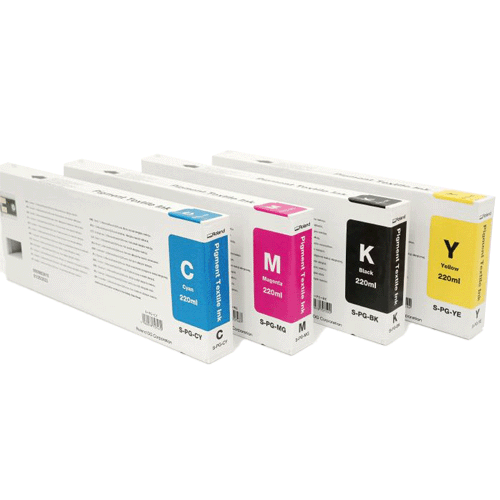
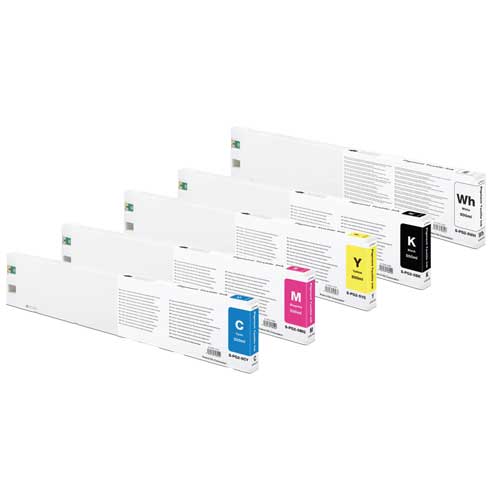
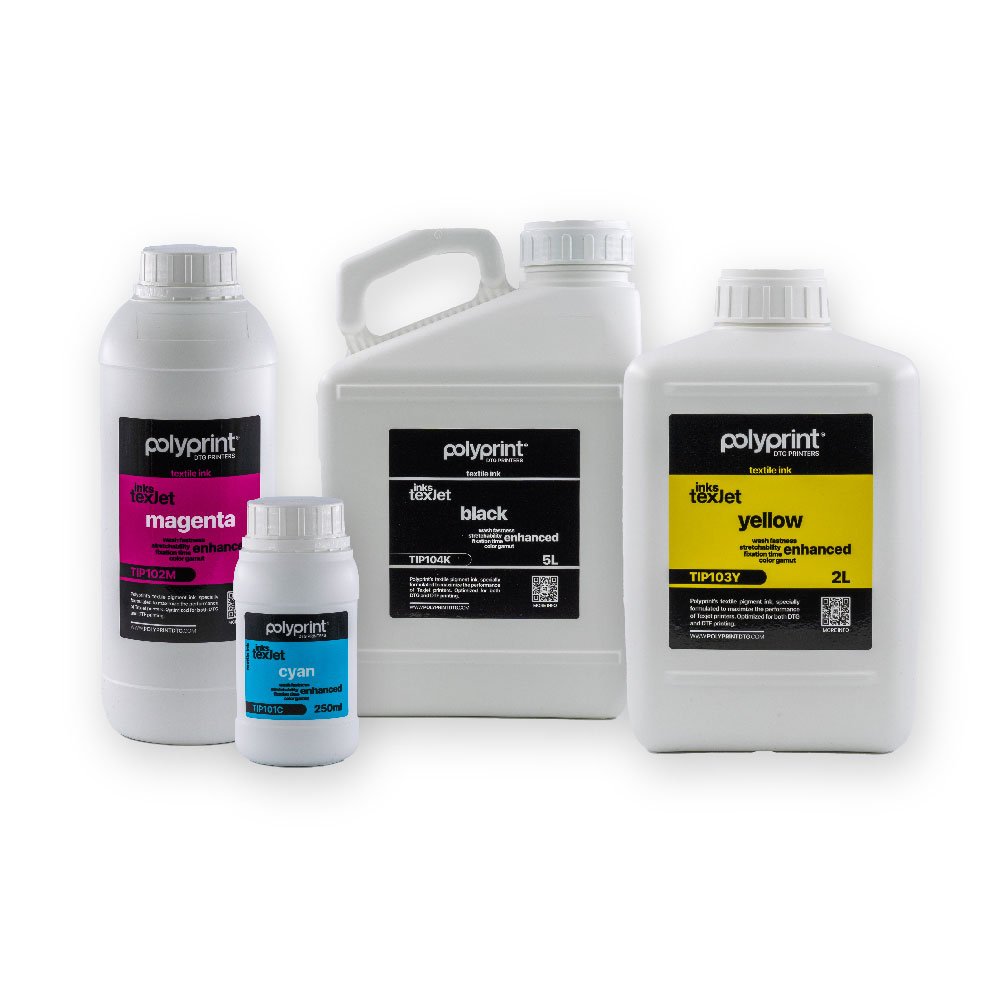
The volume of liquid inside cartridges, pouches and tanks needs time to absorb heat and warm through. The printer itself and its internal ink system also need time to reach suitable conditions. Larger volumes of ink can take particularly long to adjust after a cold night.
This means your room thermometer may show an acceptable temperature while the ink and equipment are still too cold for consistent printing.
Allow sufficient time for everything to acclimatise, following your manufacturer’s guidance. Maintaining suitable overnight conditions and bringing the room up to its printing temperature ahead of production can help. Avoid trying to speed things up by directing heaters at the printer or ink containers.
4. Monitor the room and your printer
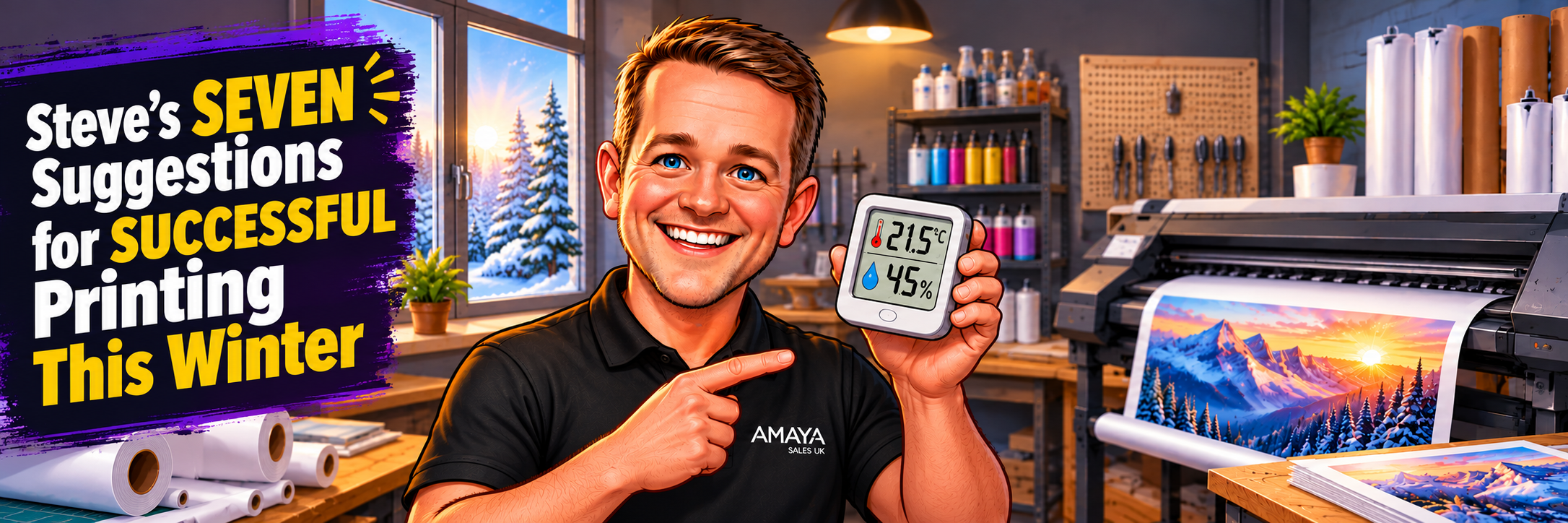
Use a digital thermometer and hygrometer to monitor temperature and relative humidity near your printer. Choose one with minimum and maximum readings, or a logging function, so you can check what happens overnight and at weekends.
Alongside this, check your printer’s built-in temperature and humidity readings where available. These provide another useful view of conditions at the machine and should be checked before starting production.
Position your room monitor away from radiators, direct sunlight and draughts that could distort its readings. Check both temperature and humidity regularly, keeping them within your printer’s specified limits.
5. Keep an eye on humidity when using heating
Heating can lower relative humidity, so a warm room can still be too dry. Low humidity can contribute to static and printing problems.
Monitor humidity as the heating comes into use and adjust conditions where necessary. Position any humidity-control equipment so it does not direct mist or airflow onto the printer.
6. Remove and protect media overnight
At the end of the working day, remove unused media, such as DTF film, from the printer using the correct unloading procedure. Rewind roll media and return it to its original protective packaging, resealing it where appropriate. Store it within the supplier’s recommended conditions.
When the room is heated the following morning, the air can warm much faster than the media. If warmer, moist air comes into contact with a surface that is still cold, condensation can quickly form on it, potentially affecting the printable coating and print quality.
Keep media in its protective packaging while it acclimatises, following the supplier’s guidance. Check that it is dry and at a suitable temperature before loading it into the printer.
Maintaining stable conditions overnight helps reduce these temperature differences and the risk of condensation.
7. Keep up with maintenance
Regular maintenance is just as important in the colder months as it is in warmer weather. Continue following your printer’s recommended cleaning and maintenance routine throughout winter to help keep it in good condition and producing consistent results.
If you notice a change in print quality, check temperature and humidity alongside your usual maintenance checks. A clean, well-maintained printer still needs the right environment to perform consistently.
A few checks now can help protect print quality and reduce avoidable disruption when colder weather arrives.
If you’re unsure about the environmental requirements for your printer, contact the Amaya team for guidance.